
CAS – Clickker Automation Suite. Control over data flows.
CAS – Clickker Automation Suite. Control over data flows.
This page provides an overview of what CAS – Clickker Automation Suite is, why it was developed and in what situations it is used.
You can read about how CAS – Clickker Automation Suite helps to manage data flows between systems, and what types of organisations it is intended for.
CAS – Clickker Automation Suite. Control over data flows.
CAS – Clickker Automation Suite: control over data flows between all your systems
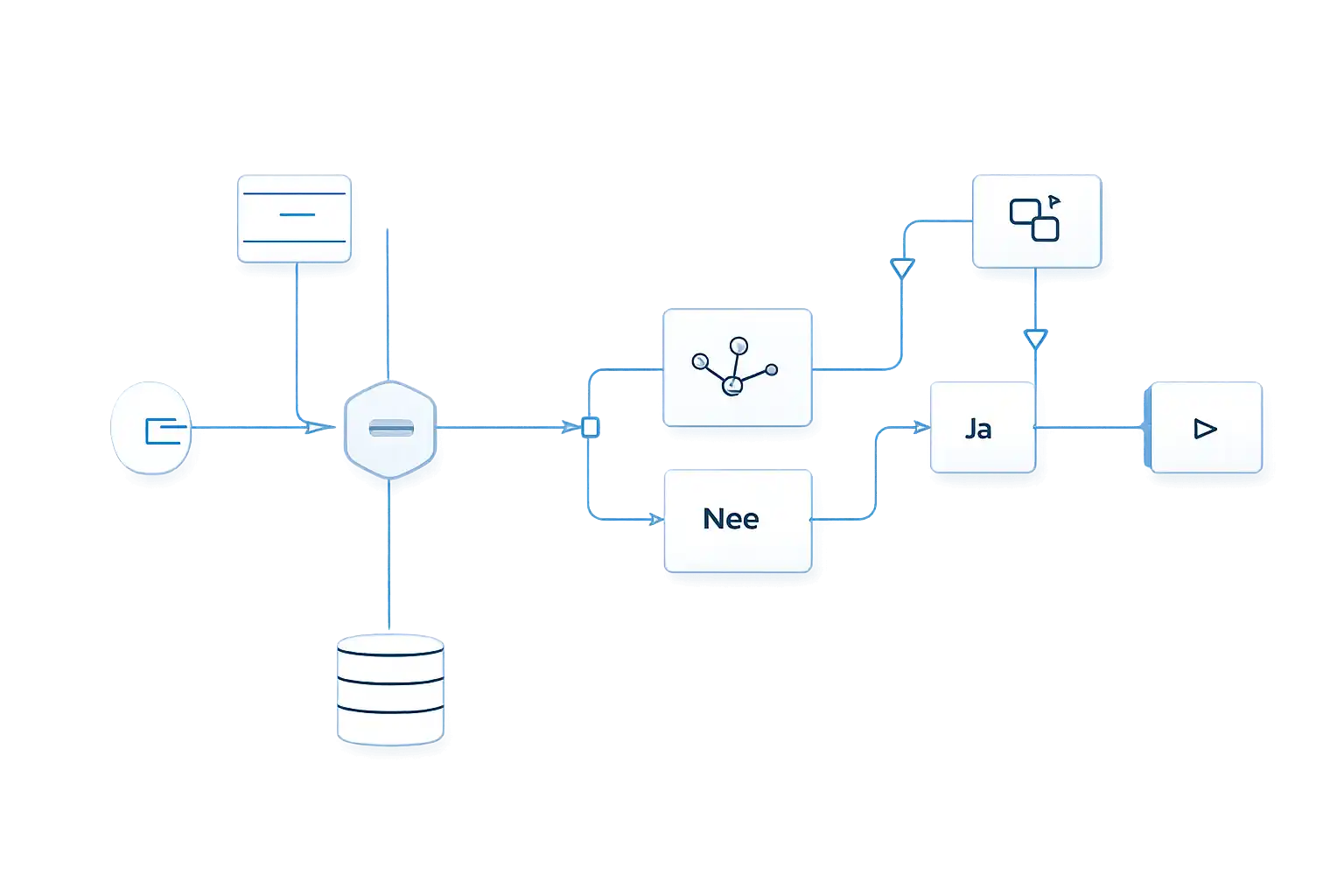
CAS – Clickker Automation Suite has been developed to manage data flow between applications. Not by simplifying processes into fixed paths, but by allowing for conditions, logic and exceptions.
CAS – Clickker Automation Suite acts as an intermediary between systems and provides insight into what is happening, why it is happening and under what conditions data is transferred. This makes integration a manageable part of the process, rather than a black box.
CAS – Clickker Automation Suite. Control over data flows.
When applications need to work together, but don't automatically do so
Many organisations work with multiple applications, each of which has its own data model, structure and logic. Technically, these systems are often linkable, but functionally they do not automatically fit together.
Standard couplings usually provide fixed routes with limited room for deviations. Once processes become more complex, exceptions arise that need to be resolved outside the coupling.
As a result, logic moves to manual operations, scripts or temporary solutions, reducing overview and manageability.
Manual work
Logic is resolved outside the clutch
Fixed couplings
Limited scope for conditions and data transformation
Exceptions outside the flow
Deviations require separate processing
CAS – Clickker Automation Suite. Control over data flows.
Developed from integration issues
CAS – Clickker Automation Suite It arose from practical experience with integrations where off-the-shelf solutions fell short. Not because the systems couldn’t be linked, but because the required logic didn’t fit within fixed structures.
The need was not for more functionality, but for more control. Control over when data is transferred, how it is modified and what happens in case of deviations.
It was this need that led to CAS – Clickker Automation Suite built up step by step as a low-code suite in which endpoints, webhooks and logic can be configured in a clear and organised manner.
Gert Hiddes - COO Sense-Cloud

CAS – Clickker Automation Suite. Control over data flows.
Customised integrations vs CAS – Clickker Automation Suite

CAS – Clickker Automation Suite. Control over data flows.
Low-code, while maintaining overview
CAS – Clickker Automation Suite is built using a low-code approach. Technical knowledge is helpful, but not always essential. Logic, conditions and data transformations are clearly defined within the flow.
This makes CAS – Clickker Automation Suite suitable for organisations with in-house development teams, but also for technically savvy users who want to remain in control without having to rely on bespoke code.